The popular narrative around AI coding promotes a fantasy: open an editor, prompt a chat box with a rough sentence, and watch complete features materialize. In isolated greenfield scripts, that casual workflow sometimes holds together. In WordPress, it produces broken sites.
WordPress is not a folder of independent PHP files. It is an interconnected runtime where behavior depends on database rows, global hook priority, active plugin interactions, and hidden options. When you ask an agent to write WordPress code based on loose chat prompts, the agent guesses the missing context. The code looks syntactically clean, yet breaks in production.
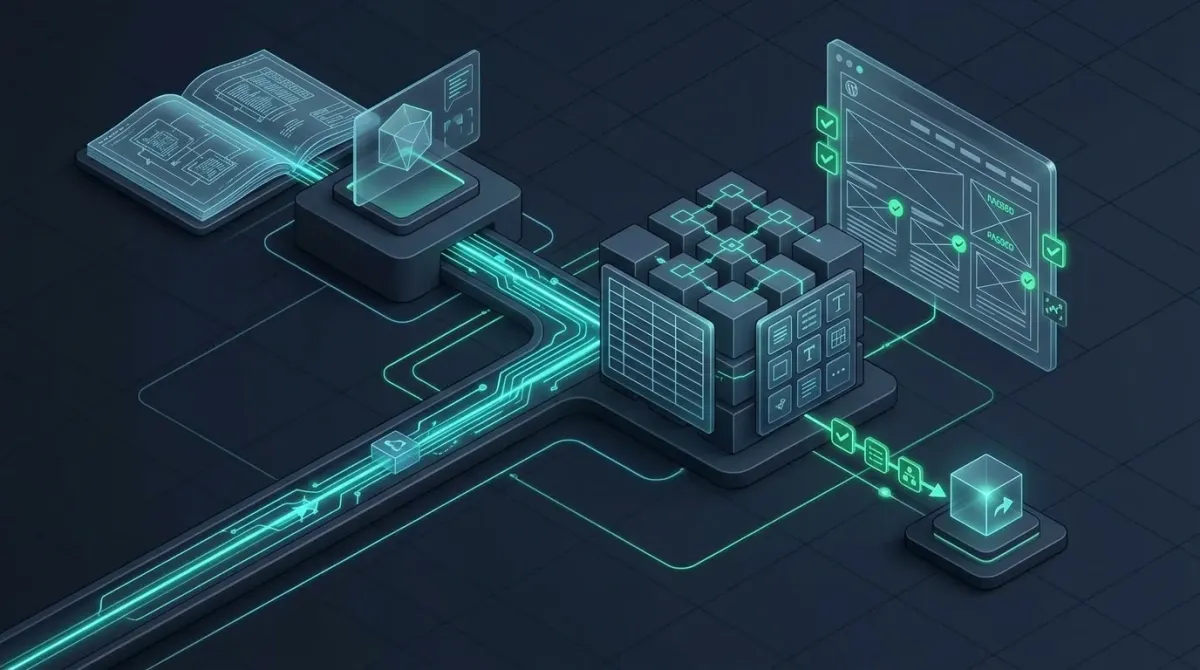
When I build client systems with WordPress and work with AI coding agents, predictability matters most. To make that work reliably, I abandoned conversational prompting. I replaced it with a four-layer stack: Document-Driven Development (DDD), static analysis alongside a live Model Context Protocol bridge through Novamira on local dev, a human-in-the-loop visual review, and WordPress Studio for client preview links.
Layer 1: Document-Driven Development eliminates guesswork
In an earlier analysis of where AI agents perform across Laravel, WordPress, and Astro, I showed that agents struggle most when critical system truth lives outside the repository. If an agent does not know your business rules, data schemas, or boundary conditions, it invents them.
I prevent that invention through Document-Driven Development. Before an agent touches a single line of PHP or JavaScript, I write a concrete technical document for the feature. This document defines three things:
First, it states the exact business problem and boundary constraints. It lists what the feature must do and what it must explicitly ignore.
Second, it defines data structures, function signatures, and hook names. If a feature interacts with custom post types or options, the exact keys and table schemas appear in the document.
Third, it provides a deterministic checklist of acceptance criteria. When the agent starts implementing, it reads this specification as its primary prompt. The agent no longer guesses intent; it executes a defined specification. Writing this specification takes fifteen minutes, but it eliminates hours of debugging hallucinated architecture.
Layer 2: Static tooling, WP-CLI, and runtime MCP via Novamira
Even with a comprehensive specification, an agent restricted to raw text files remains partially blind. A standard AI tool reads .php files in your workspace. It cannot see which plugins are active, what values sit inside wp_options, or how custom tables are indexed.
My development environment pairs strict static checks with live runtime access. Before code executes, linters and static analysis tools verify types, style standards, and obvious syntax traps. Alongside these checks, I use WP-CLI to run batch operations, flush caches, and inspect configuration deterministically.
To bridge the gap between static code and the WordPress engine, I connect agents directly to the runtime using Novamira through the Model Context Protocol (MCP).
On my local development machine, Novamira gives the agent full programmatic permissions. It can inspect the live database through $wpdb, check active hooks, verify option entries, and execute targeted PHP commands in the actual WordPress context.
Novamira also unlocks deep integration with the block editor. The agent can interact with Full Site Editing (FSE) templates, inspect block attributes, and modify block markup safely. Because Gutenberg relies on delimited HTML comments and JSON attributes, manipulating blocks directly through the runtime prevents markup corruption.
I keep this full access strictly contained to local development and staging environments. Live production sites never run MCP server plugins. Production receives only tested, static code commits.
Layer 3: Human-in-the-loop visual verification in the browser
A passing test or a clean PHP execution does not prove that a frontend feature works. In WordPress, themes, global stylesheets, and admin styles constantly collide with plugin markup.
An agent can deliver PHP code with zero syntax errors that still renders an unusable interface. Buttons overlap, layout shifts break responsive breakpoints, and admin notices push controls offscreen. Static linters cannot catch these failures.
To verify frontend and administrative interfaces, I maintain a continuous browser feedback loop with a human in the loop (HITL). For simple styling tweaks, an agent can often interpret browser signals and adjust rules automatically. When dealing with complex components and real-world interactions, human judgment remains essential.
I inspect the running site in a browser alongside the editor, observing the interface under realistic conditions. I test responsive viewports, inspect the rendered DOM, and check computed CSS rules.
When layout regressions appear, I feed the concrete defects directly back to the agent. Because the agent receives precise feedback on how the browser actually rendered the markup, it can adjust CSS and HTML structure without trial and error.
Layer 4: Client review in WP Studio, classic deployment for production
Once a feature passes specification criteria, runtime checks, and visual inspection, it needs validation outside the local machine. Showing work to clients requires a shareable, working preview.
I use WordPress Studio specifically to publish fast, cloud-hosted preview environments for client review and acceptance. It provides a frictionless way to put a functional site in front of stakeholders without touching staging servers or setting up temporary hosting.
When the client approves the feature, deployment shifts to a traditional engineering pipeline. Production releases do not happen through push buttons in local dev tools. Real production deployments follow standard version control practices, automated CI checks, and controlled server deployments. Keeping client previews separate from production delivery keeps the release process safe and predictable.
Why this structure beats conversational prompting
Many developers still view WordPress through the lens of plugin overload or immediately jump to headless architectures, even when a structured monolith is simpler to maintain. In WordPress vs the world, I argued that WordPress remains an exceptional application platform when treated with engineering discipline.
Conversational “vibe coding” treats software development like an informal chat. That approach fails on complex CMS platforms because WordPress demands architectural discipline. When you separate your workflow into documented specifications, live runtime visibility, visual verification, and automated deployment, AI agents stop being unpredictable toys.
This stack does not promise effortless magic. What it delivers is a development cycle that is measurably faster, less expensive, and far less prone to architectural errors than traditional manual coding. Document-Driven Development sets the boundaries, Novamira provides runtime eyes, human-in-the-loop review protects the user experience, and classic deployment guards the live site.